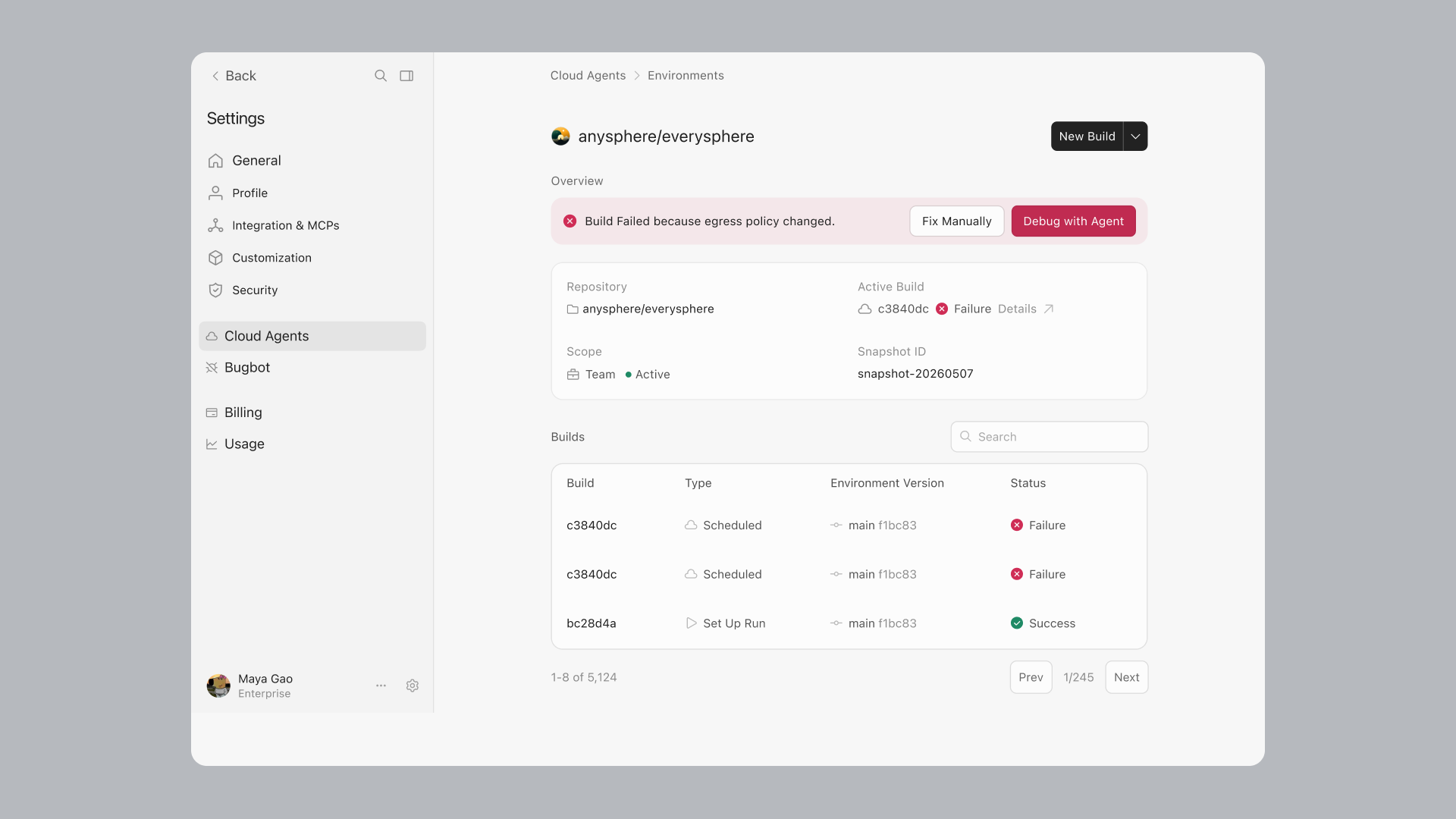
Cloud agents can now build and share interactive canvases. The Environments API is available in beta, environments support up to 300 repos, and large environmen...
Origin integrates with over 20 apps for deployments, CI, code review, security, monitoring, and project management, and the marketplace is now open to public su...
See and reply to the local agents running on your computer from the Cursor iOS app.
Two bots for the last mile of shipping code: Rollouts watches every change as it deploys, and Security Review reports exploitable bugs on every pull request.
Projects lets you take on larger bodies of work, maintain context over months, and delegate tasks to thousands of subagents.
Cursor supports self-hosted machines, which let you keep tool execution entirely in your own network.
Cloud Agents now work without a connected repo, plus live preview and Vercel publishing.
We're continuing to improve cloud agents and the Cursor harness so always-on agents can operate as a system, building and shipping software on their own without...
Cursor can now host your code.
Agents do their best work when they start in a ready environment: repos cloned, dependencies installed, and your install script already run.
Cursor can now read, write, and act across Google Workspace via MCP, so you can pull context, draft and update files, and manage your inbox and calendar without...
Cursor for iPad is now available on all paid plans.
We're introducing Cursor Start , a new ₹649 monthly plan for developers in India, making daily agentic development accessible and payment easy with local pricin...
Auto mode is now powered by Cursor Router.
Cursor in Slack now shares a plan before it starts, runs in multi-repo environments, and can work across channels and threads.
This release makes it easier to stay in flow with side chats that run alongside your main chat, the ability to search agent transcripts, and simplified project...
We've expanded team marketplaces to support Team MCPs and organization groups.
Cursor for iOS is now available in public beta on all paid plans. Launch and manage always-on agents from anywhere.
Plugins, skills, and MCPs let you customize Cursor for your workflows. The new Customize page brings them into one place.
Cursor Automations save you time by automating repetitive tasks with always-on agents. This release introduces the **/automate** skill, new triggers for GitHub...
Select an article to read